
Video tutorials
Learn how to share documents, track views, and set up rooms in HummingDeck.
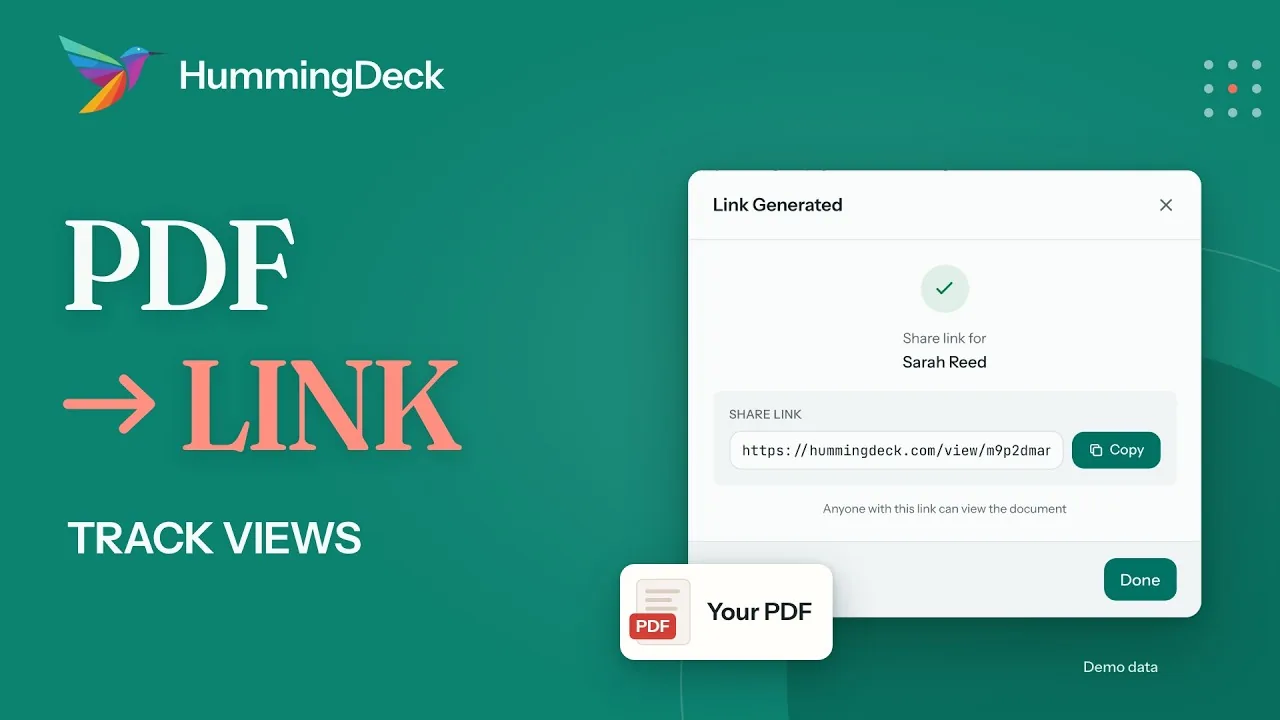 01:32
Document tracking
How to create a link for a PDF and track views
Upload a PDF, create a link your recipient can open in any browser, and see the recorded view and the time spent on each page.
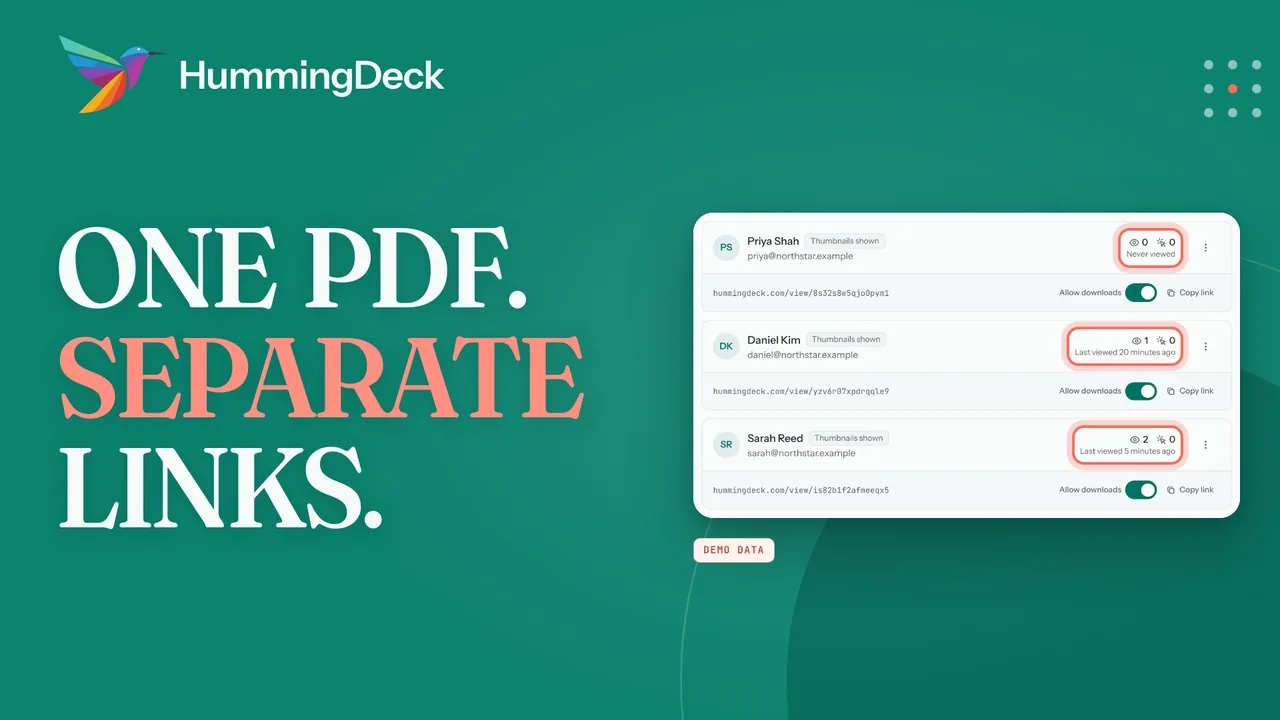 02:34
Document tracking
How to share a PDF with multiple people and track views
Upload one PDF, create a separate HummingDeck link for each recipient, and compare recorded views and page activity.
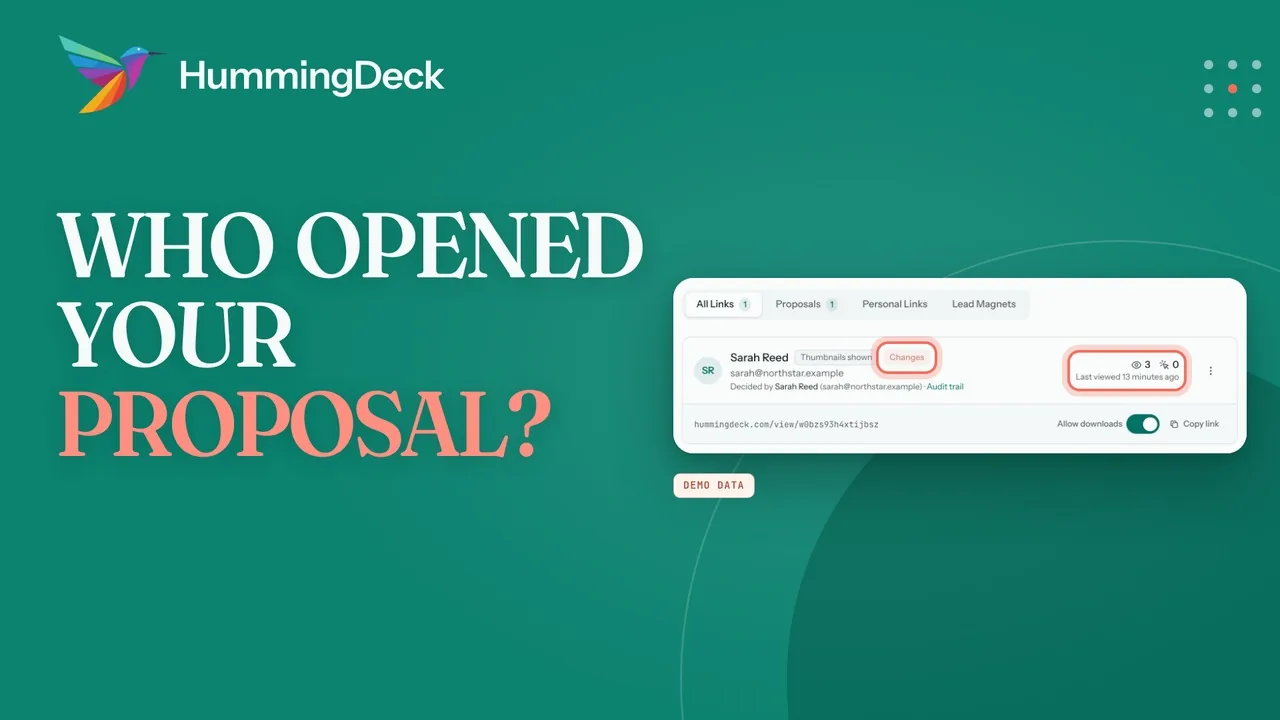 02:34
Proposals
How to track proposal opens, page activity, and responses
Share a proposal link, compare recorded opens and page activity, and review your client's response and audit trail.
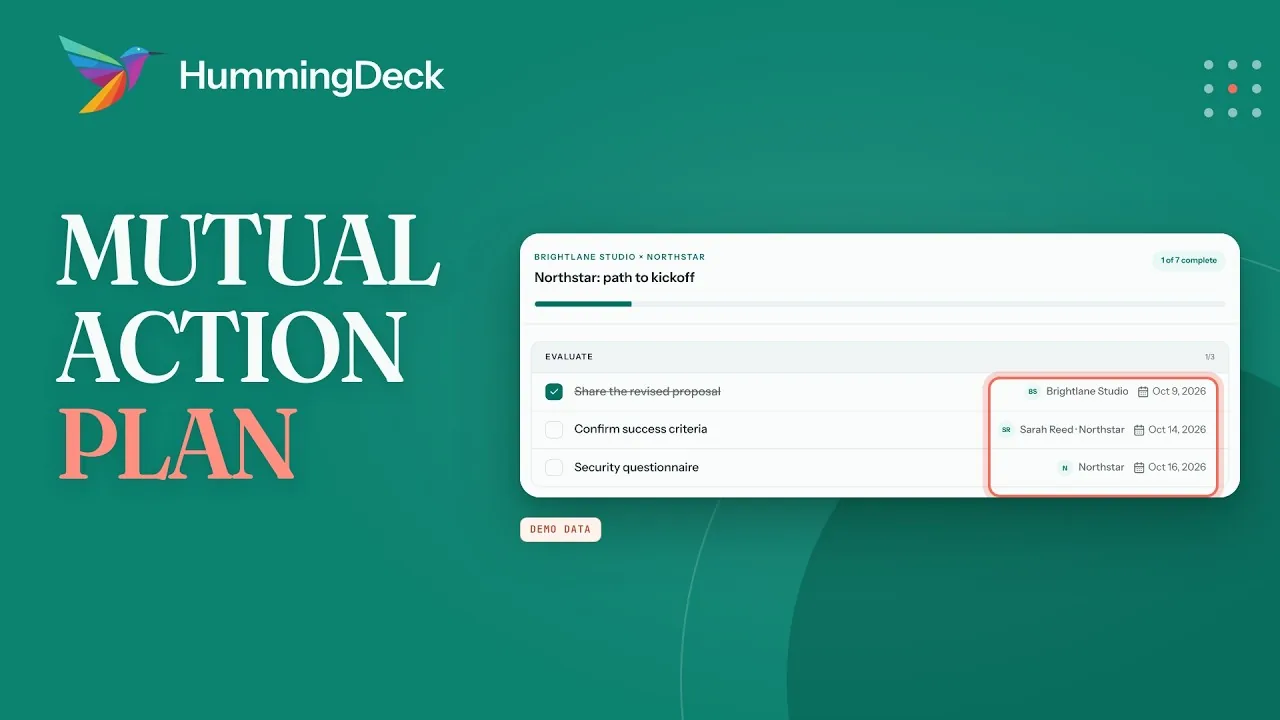 02:27
Rooms
How to create a mutual action plan from a sales call
Turn agreed next steps into a shared plan with phases, owners, and due dates, then follow progress across your deals.
 02:25
Rooms
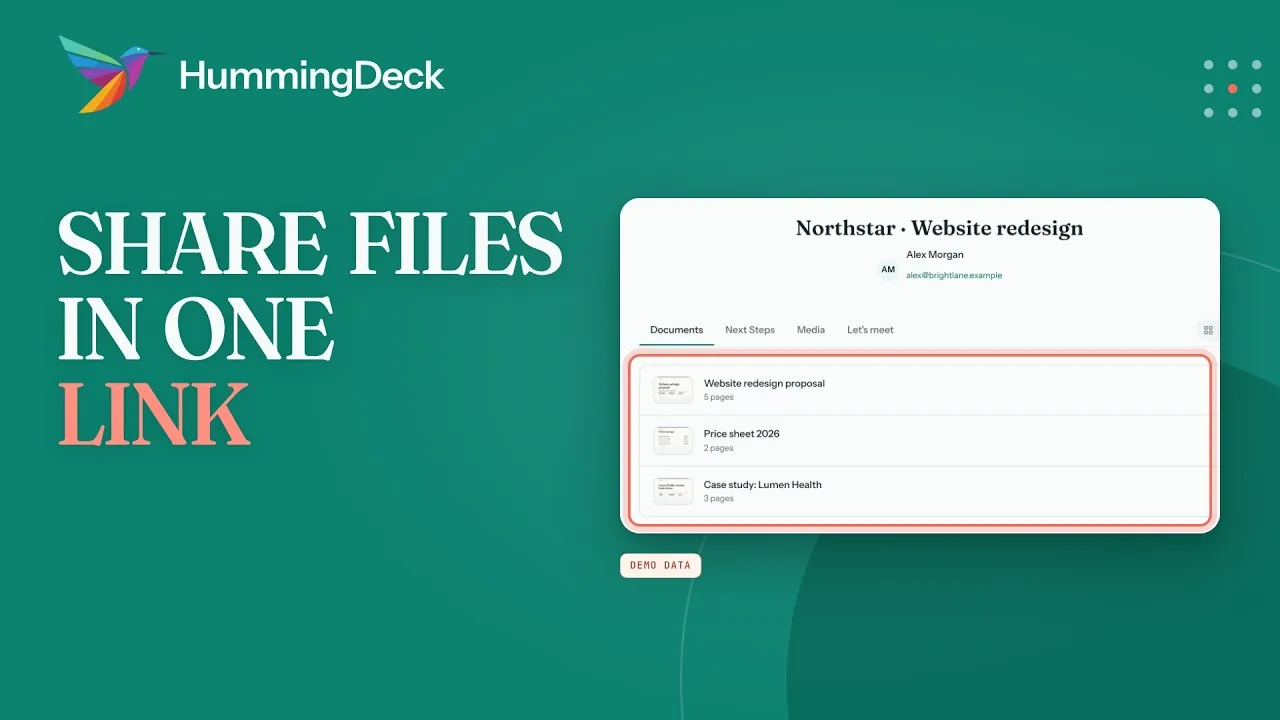
How to share files with clients using one link
Group your documents in one HummingDeck Room, send your client a single link, and review recorded document activity.
 02:11
Access settings
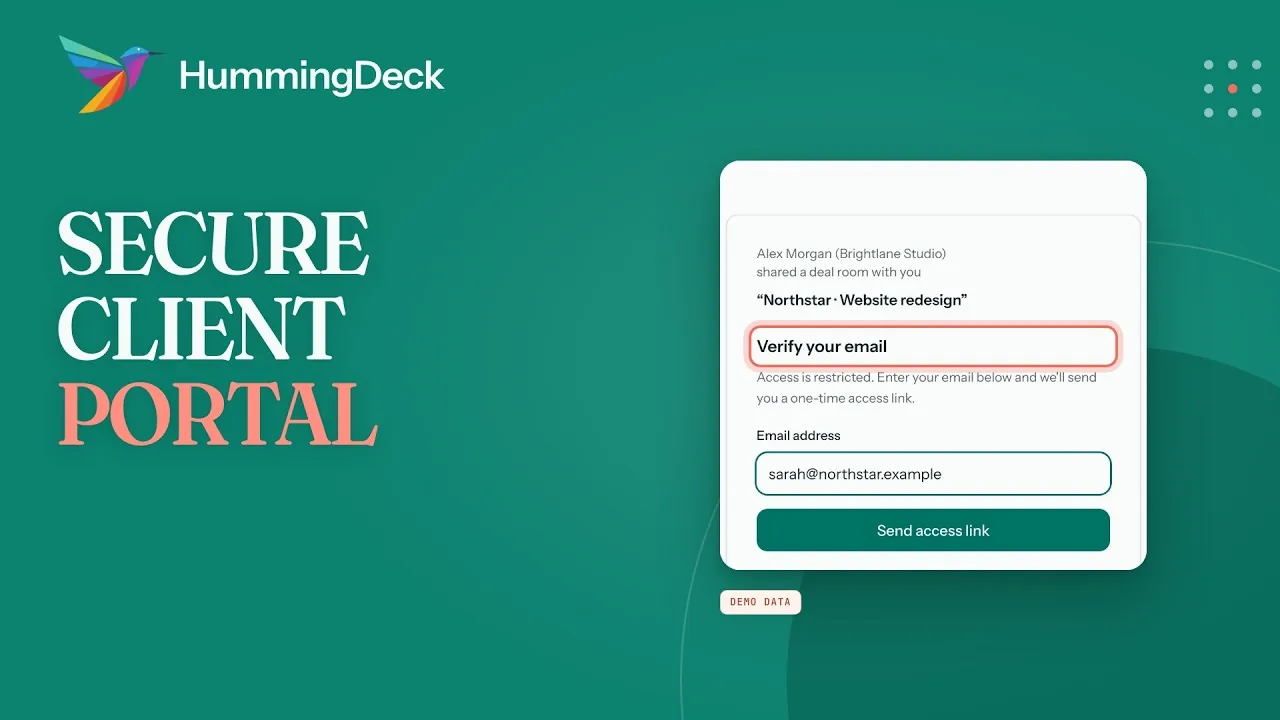
How to create a secure client portal for document sharing
Use a Restricted Room link to share client documents, verify approved inboxes, update files, and remove access when the project ends.
 02:58
Rooms
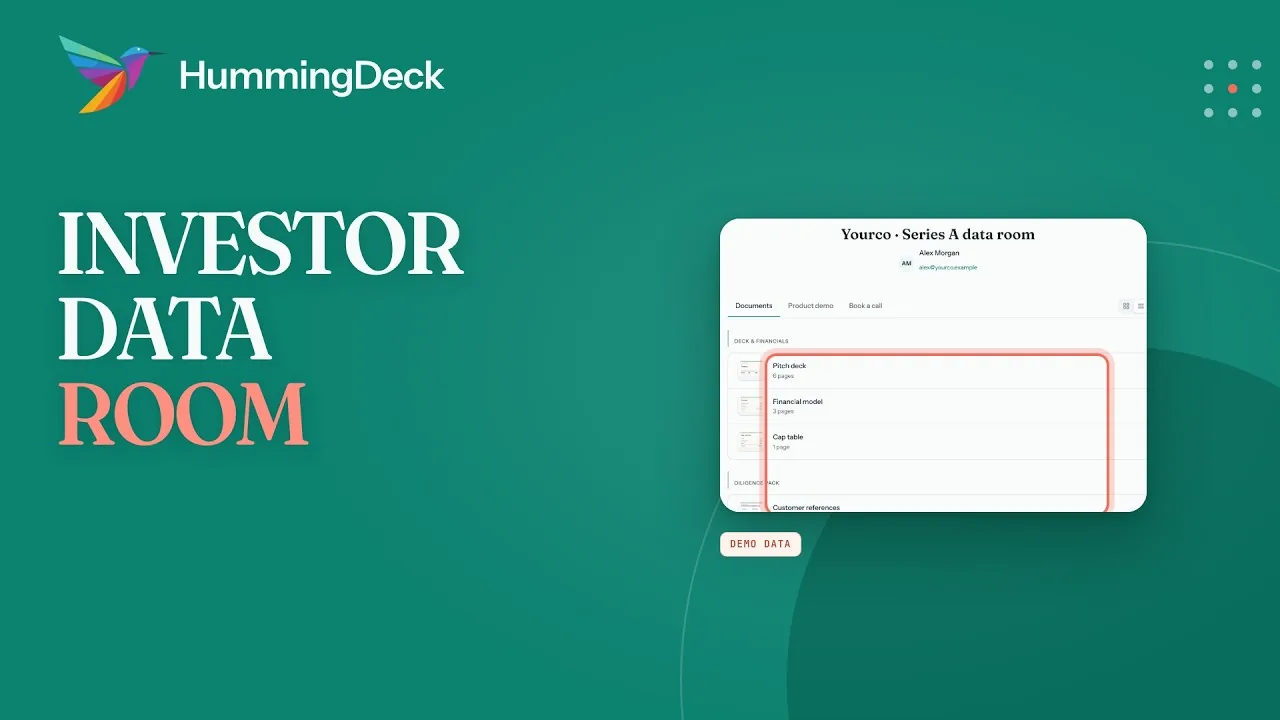
How to set up a data room for investors
Organize your fundraising documents in a Restricted Room, create a link for each fund, and review verified visits and recorded document activity.
 02:24
Rooms
How to share a deal room and track buyer engagement
Use HummingDeck as a DocSend alternative for sales teams: share one Deal Room per account and review recorded buyer activity.
 02:01
Document tracking
How to share a pitch deck and track investor views
Use HummingDeck as a DocSend alternative for fundraising: give each investor a separate pitch-deck link, review page activity, and update the deck while keeping its links.
 02:15
Document tracking
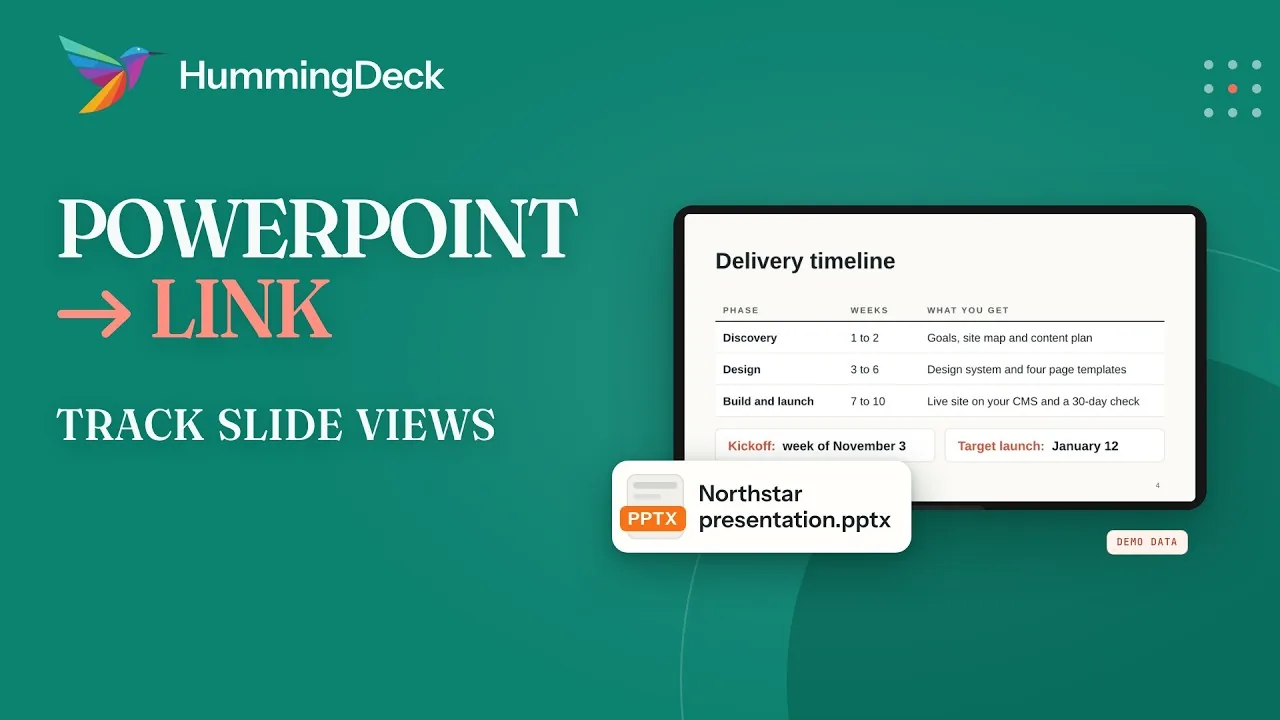
How to share a PowerPoint presentation as a link
Upload a PowerPoint presentation, send a browser-viewable link, and review recorded views and time on each slide.
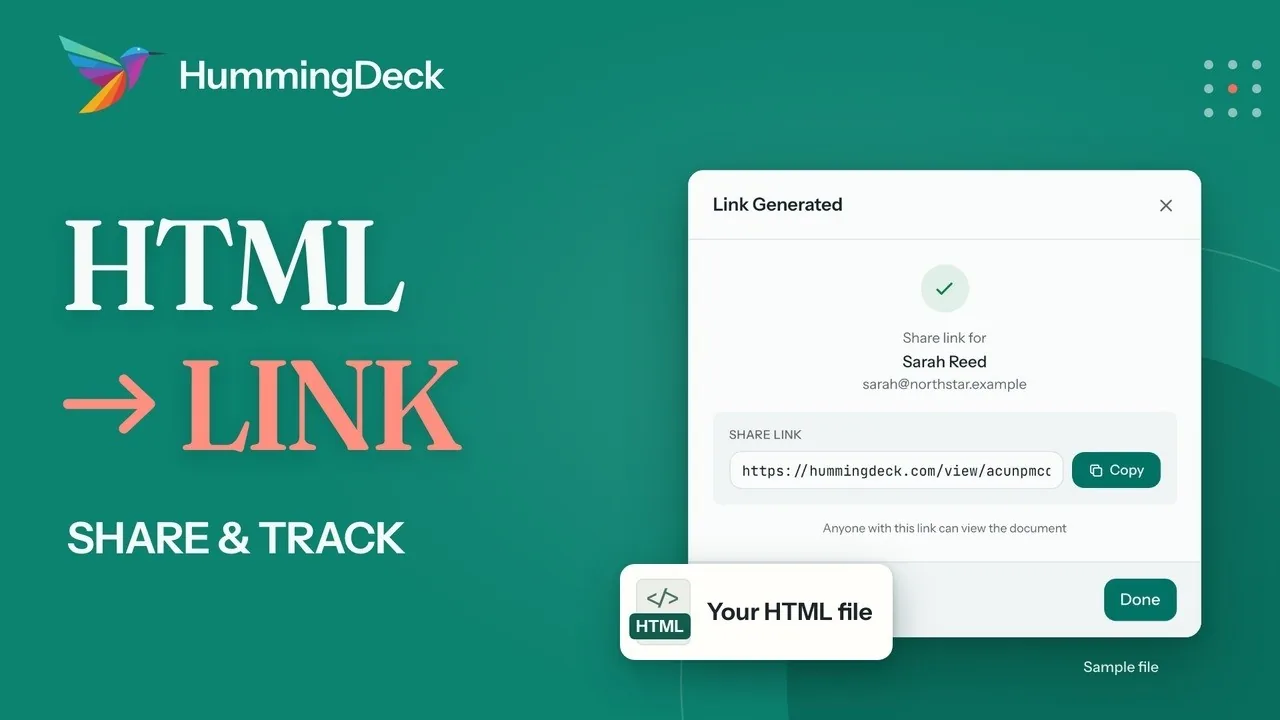 02:03
Document tracking
How to share an HTML file as a link and track visits
Upload a finished HTML file, send a Personal Link that opens it in the browser, and review recorded visits and viewing time.