Slack Integration

Know the moment a prospect opens your document

Get instant Slack notifications when prospects view, re-open, or interact with your sales documents, proposals and content. Your team stays in the loop without leaving Slack.

HummingDeck
+
Slack logo
Built for trustTLS encryptionGDPR-readyGoogle CloudSecure paymentsSecurity overview
G2

Rated 5.0 out of 5 on G2

Read the reviews on G2
The page-level analytics are the best part because they show real engagement instead of just basic opens.
Verified User in Computer Software
What I like most about the product is how easy it is to use, especially when it comes to listing all my links and embedding demos in one place for leads and prospects.
Jerome K.Founder
Responsiveness, configurability and development velocity.
Suman K.Co-Founder & CEO

Real-time engagement alerts where your team already works

Instant View Alerts

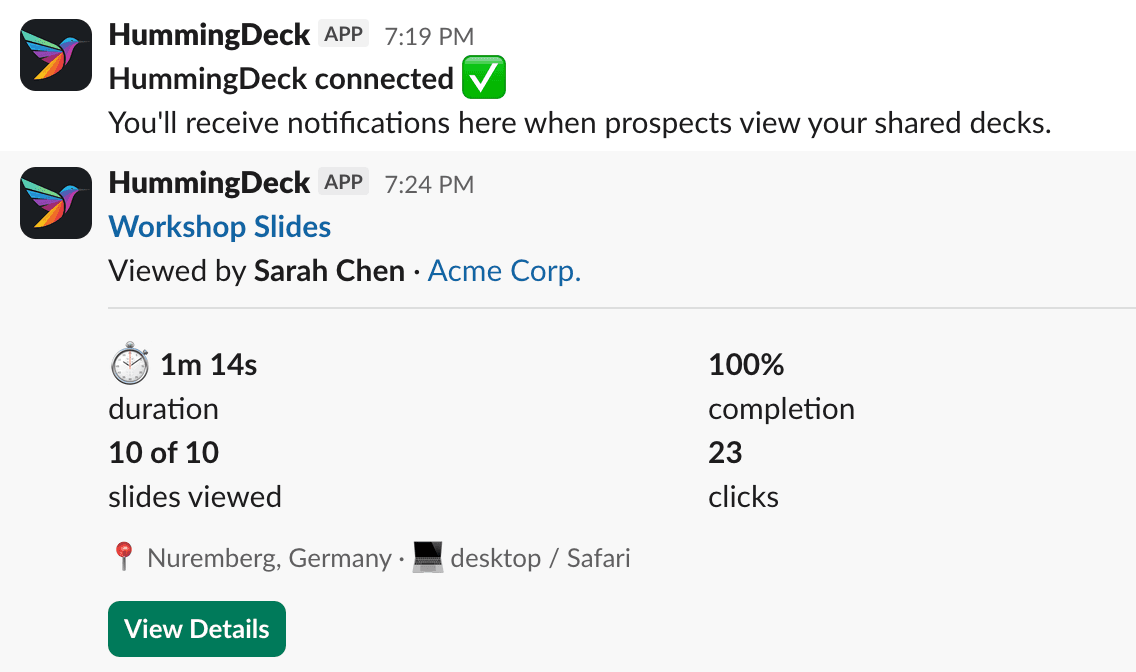
The moment a prospect opens your document, a rich notification lands in your Slack channel. See who's viewing, what they're looking at, and where they are.

  • Document name & viewer identity
  • Company & location info
  • Device & browser details
  • Direct link to analytics

Per-Link Control

Choose exactly which links trigger Slack notifications. Enable for key prospects, disable for bulk sends. Toggle anytime from the link listing.

  • Toggle per share link
  • Independent from email alerts
  • Default on for single links
  • Default off for bulk imports

Quick Setup

Click 'Add to Slack', pick a channel, and you're live. No API keys, no webhooks, no manual configuration.

  • Simple OAuth connection
  • Works with any Slack channel
  • Test message verification
  • Disconnect anytime

Set up in a few clicks

1

Connect to Slack

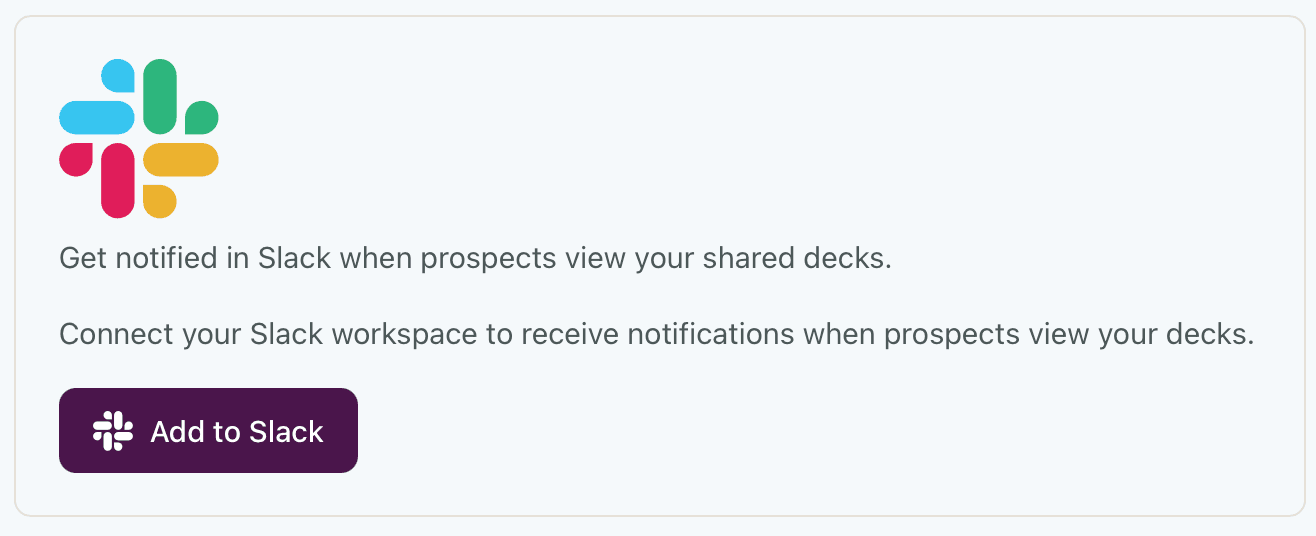
Open Settings, find the Slack integration, and click 'Add to Slack'.

HummingDeck Slack integration connect button in workspace settings
2

Pick your channel

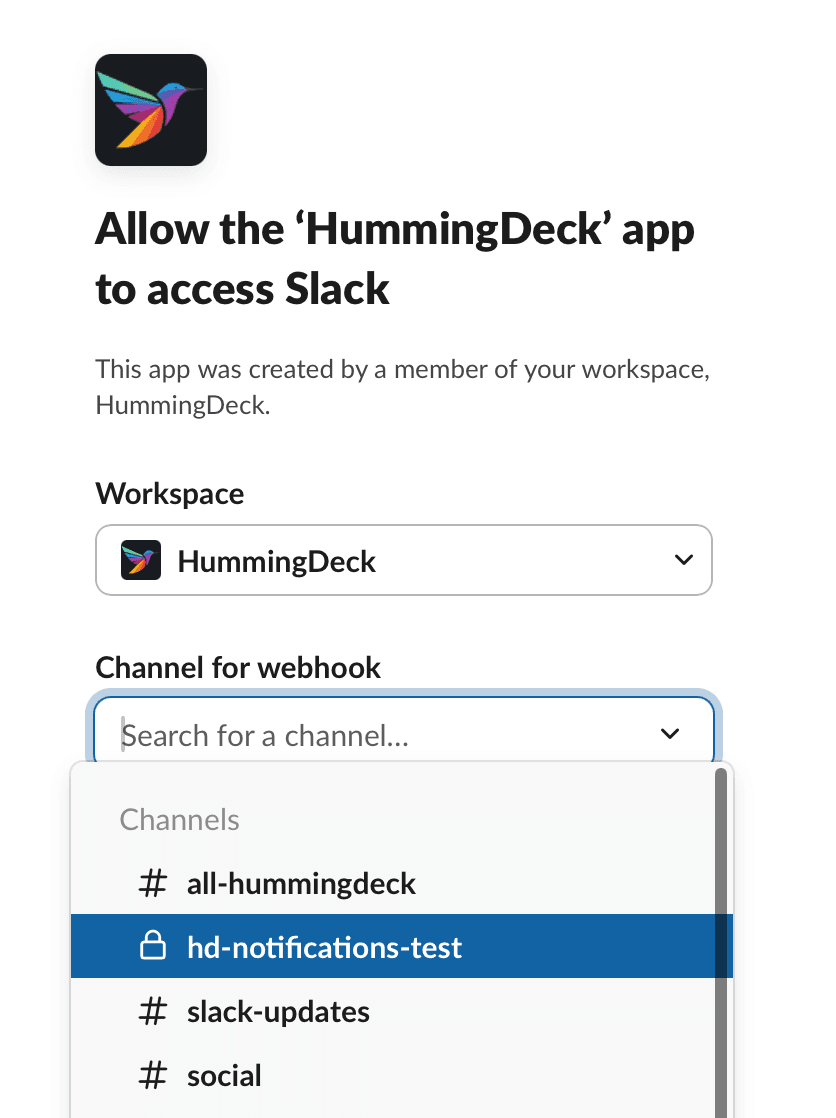
Slack asks you to pick a workspace and channel. Choose where you want notifications to land.

Slack permission screen for selecting workspace and notification channel
3

You're connected

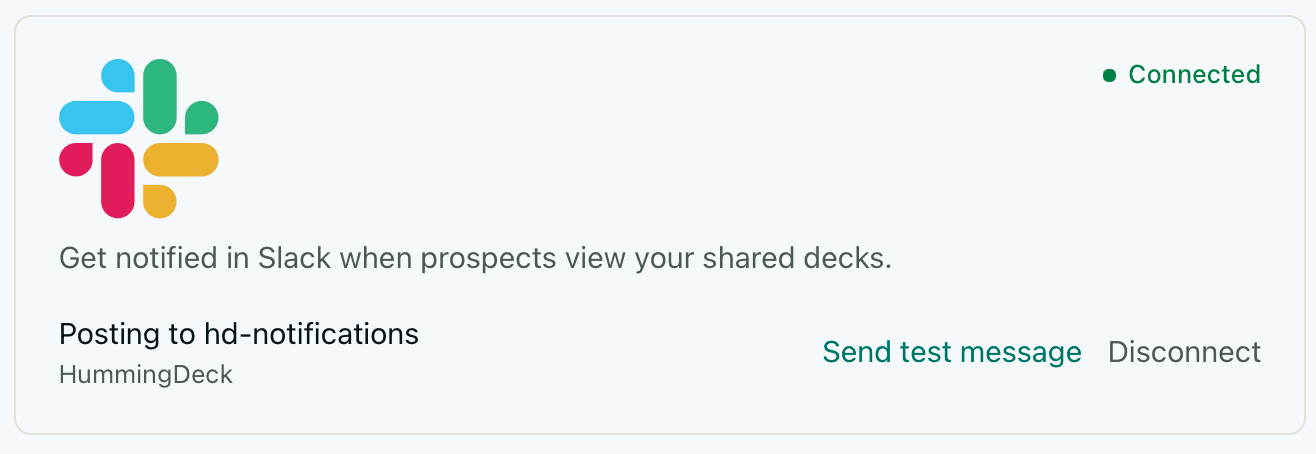
That's it. Your workspace is linked. You can see the connected status and change the channel anytime.

HummingDeck Slack integration connected status in workspace settings
4

Get real-time alerts

When a prospect opens your document, a detailed notification lands in your Slack channel with viewer info, engagement metrics, and a direct link to analytics.

Slack notification from HummingDeck showing document viewer engagement details

Available on the following plans

Pro

$25/month

Business

$40/month

View all plans →

Never miss a hot prospect again

Get instant Slack alerts when prospects engage with your sales content.

Try for free