
2026年9月28日更新:Claudeで組織外への共有リンクとメール招待が使えるようになったことを反映しました。
Claude Designの作品は、Claudeから直接共有できます。組織外のクライアントにも、リンクを送るかメールで招待できます。
ただし、開く人にはClaudeアカウントが必要です。相手がClaudeを使っていなければ、作品を見る前に登録してもらうことになります。
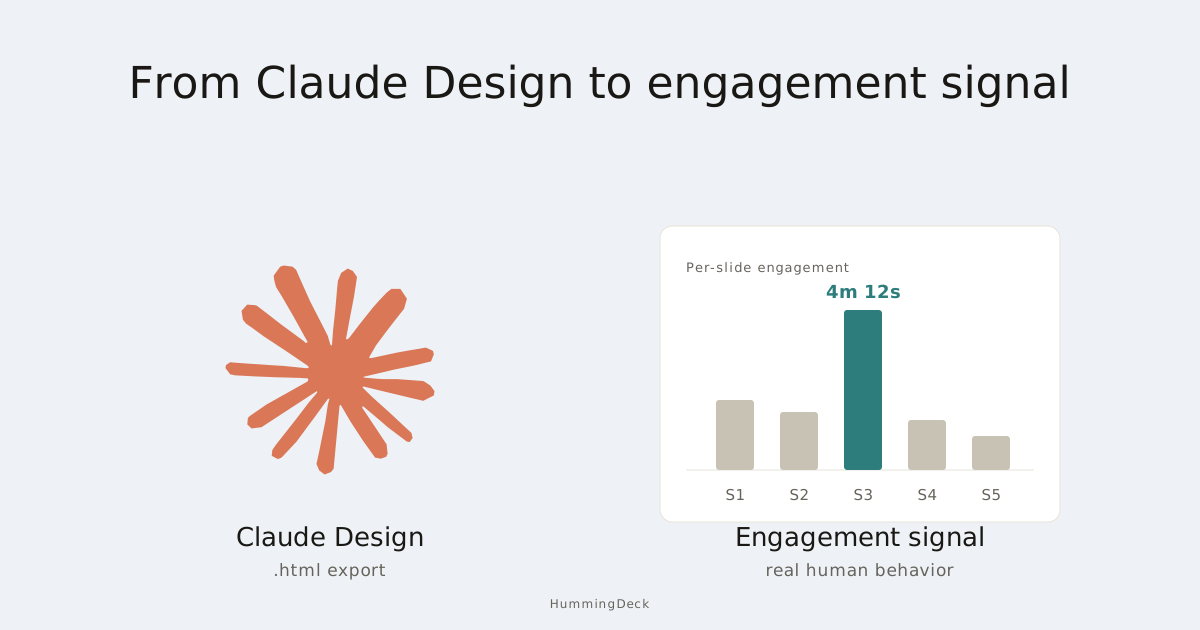
登録の手間をかけたくないなら、作品をエクスポートし、アカウントなしで閲覧できるサービスにアップロードします。閲覧履歴が分かるリンクなら、開かれた日時や閲覧時間も確認できます。
Claude Designをほかの人と共有する方法
相手がすでにClaudeを使っている場合は、次の手順です。
- Web版またはデスクトップ版のClaudeで作品を開き、Shareをクリックします。
- 選択できる場合はAnyone with the linkを選ぶか、メールで招待します。
- リンクをコピーして送ります。メールで招待した相手には、Claudeから招待メールが届きます。
ProとMaxでは、そのままリンクを共有できます。TeamとEnterpriseでは、組織のオーナーが外部共有を全体またはその作品に対して許可する必要があります。選択できない場合は、オーナーに共有設定を確認してもらってください。
特定の人だけに見せるなら、メールで招待します。TeamとEnterpriseではOnly people invited、ProとMaxではOnly youを選びます。
メール招待は、4つの有料プランすべてでベータ提供中です。作品ごとに組織外の人を最大50人招待でき、それぞれにCan view、Commenter、Can editの権限を付けられます。後から変更や削除もできます。
クライアントがClaudeアカウントを持っていない場合は、作品を開く前に、招待したアドレスでアカウントを作成してもらう必要があります。相手がすでにアカウントを持っているかどうかは、Claudeでは確認できません。
アカウントがなかったために招待が届かなかった場合、Anthropicは、相手にアカウントを作成してもらい、招待を削除してから招待し直すよう案内しています。招待メールは英語で届きます。
TeamとEnterpriseでは、メール招待はリンク共有とは別にオーナーが管理します。初期設定では、Teamでは有効、Enterpriseでは無効です。
プロジェクトの知識や指示も共有したい場合は、Claudeプロジェクトの共有方法をご覧ください。プロジェクトと作品では共有ルールが異なります。
相手がClaudeを使っていない場合
HummingDeckは私たちの製品です。ファイルをアップロードすると、相手がアカウントなしで開けるリンクを作れます。いつ開いたか、どのくらい読んだかも確認できます。
| 必要なこと | Claude Design | HummingDeck |
|---|---|---|
| 組織外の人に共有する | 共有設定で許可されていれば可能 | 可能 |
| 開ける人を指定する | メール招待に対応、ベータ版 | ProとBusinessの制限付きリンクで対応 |
| アカウントを作らずに読む | Claudeアカウントが必要 | 可能 |
| 特定の人のアクセスを取り消す | 招待を削除できる | 許可済みメールアドレスを削除できる |
| 相手が開いた日時と閲覧時間を見る | 該当するレポートは文書に記載なし | 可能 |
| ページやセクションごとの閲覧時間を見る | 該当するレポートは文書に記載なし | Starter以上で可能。HTMLの詳細度はファイルによる |
Claudeで特定の人を削除してアクセスを止められるのは、作品がAnyone with the linkでも共有されていない場合だけです。HummingDeckではメールアドレスを削除すると、その人は制限付きリンクを再度開けません。ただし、すでに開いたりダウンロードしたりした内容は消せません。
Claudeは今その作品を開いているチームメンバーを表示できます。独立版Claude Designのレポートはアクティブユーザー数を、管理者APIは作成されたアーティファクト数を集計します。
Anthropicの文書には、組織外の相手がいつ作品を開き、どれほど読んだかを示すレポートは記載されていません。その情報には閲覧履歴を確認できるリンクが必要です。
Publishボタンは使える?
Publishを使えばアカウントなしでアーティファクトを開けますが、対象は2026年9月16日より前にチャットで作成した従来のアーティファクトだけです。Claude Designの作品やClaude Slidesのプレゼンテーションを含め、今作成するものはすべて、開くのにClaudeアカウントが必要です。
公開ページだけが必要なら、単一HTMLファイルの公開方法を比較してください。閲覧者を制限し、訪問履歴を見たい場合は以下の手順に進みます。
手順1:作品またはプレゼンテーションを書き出す
Claude Designの右上にあるExportをクリックし、Export as standalone HTMLを選びます。文書ならPDFも選べます。どちらもAnthropicの書き出しガイドに記載されています。
プレゼンテーションにはClaude Slidesを使い、PowerPointまたはPDFとして書き出します。Anthropicのアーティファクトガイドと管理者ガイドで形式を確認できます。
ファイルを保存します。HTMLの場合はブラウザーで開き、リンクやボタンがClaudeの外でも動くか試してください。
手順2:HummingDeckにアップロードする
.html、.pdf、.pptxのファイルをHummingDeckにアップロードします。処理が終わったらプレビューを開き、レイアウト、ボタン、ページ数やセクション数を確認してください。
HTMLファイル内の外部サイトへのリンクは、プレビューでは開きません。こうしたリンクは手順1のブラウザでの確認で済ませておきます。
HTMLファイルを調整する必要がある場合は、クライアントにHTMLファイルを共有する方法をご覧ください。
手順3:リンクを開ける人を決める
ファイルの共有リンクを作ります。ProまたはBusinessなら、アクセスを制限ありにして、許可するメールアドレスに開いてよい人を追加します。
クライアントがリンクを開くと、メールアドレスの入力を求められます。そのアドレスがリストにあれば、HummingDeckからアクセス用のリンクがメールで届き、アカウントを作らずに閲覧できます。
Starter以上では有効期限を設定でき、PDFやPowerPointファイルのダウンロードを許可するかも選べます。プランの詳細は料金ページをご覧ください。
リンクを知っている人なら誰でも開けるようにする場合は、アクセスをリンクを知っている全員のままにします。
手順4:リンクを送り、訪問履歴を確認する
メールでリンクを送ったら、ダッシュボードで訪問を確認します。Starter以上なら、PDFの各ページやPowerPointの各スライドの閲覧時間を見られます。
HTMLでは、HummingDeckが検出できるセクションによって詳細度が変わります。作品が1ページとして処理されれば、ページ全体の閲覧時間が表示されます。
相手が価格のセクションを何度も見ていれば、次の打ち合わせに向けて費用の内訳を用意できます。
閲覧者数の増加は、リンクが転送された手がかりになります。ただし、同じ人が別のブラウザーや端末で開いても別の閲覧者として数えられます。資料の閲覧分析の読み方で自動アクセスの除外についても確認してください。
よくある質問
Anthropicの組織外の人にもClaude Designを共有できますか?
はい。ProまたはMaxならAnyone with the linkを選ぶか、メールで招待できます。TeamとEnterpriseでは、組織外へのリンク共有をオーナーが許可する必要があります。どの場合も閲覧者全員にClaudeアカウントが必要なので、登録したくない相手には、ファイルを書き出して別のサービスで共有してください。
ProやMaxのユーザーもClaude Designを共有できますか?
はい。どちらのプランでもリンクを送るか、メールで招待できます。相手が作品を開くにはClaudeアカウントが必要です。登録を求めたくない場合は、ファイルを書き出してHummingDeckなどで共有してください。
Claude Designのリンクを開ける人を制限するには?
メールで招待し、Can view、Commenter、Can editから権限を選びます。TeamとEnterpriseではOnly people invited、ProとMaxではOnly youに設定します。相手には招待先のメールアドレスに紐づくClaudeアカウントが必要です。HummingDeckのProとBusinessでは、許可するメールアドレスを指定してメール認証でき、相手のアカウント作成は不要です。
誰がClaude Designを見たか分かりますか?
Claudeではアクセス権を持つ人と、今作品を開いているチームメンバーを確認できます。組織外の相手がいつ開き、どのくらい読んだかを示すレポートは文書に記載されていません。訪問履歴を見るには、ファイルを書き出してHummingDeckのような閲覧分析サービスで共有してください。
クライアントや投資家にClaude Designを送るには?
Claudeから作品を単独HTMLまたはPDFで書き出し、HummingDeckのような閲覧履歴を確認できるサービスにアップロードして、共有リンクをクライアントに送ります。ProまたはBusinessならリンクを相手のメールアドレスに限定でき、誰が開いたかがわかります。開かれた日時とユニーク閲覧者数を確認でき、Starter以上ではページやセクションごとの閲覧時間もわかります。
共有された作品を開くにはClaudeアカウントが必要ですか?
はい。リンクでもメール招待でも必要です。ClaudeのPublishはアカウントなしで使えますが、対象は2026年9月16日より前にチャットで作成したアーティファクトだけで、Claude DesignやClaude Slidesには使えません。登録しない相手にはファイルを書き出し、別のサービスで共有してください。
関連記事:
- Claudeプロジェクトの共有方法:知識、指示、チャットも共有する。
- 単一HTMLファイルを公開する方法:書き出した作品の公開方法を比較する。
- クライアントにHTMLファイルを共有する方法:送信前にファイルを確認する。
- プレゼンテーションをオンラインで共有する方法:PowerPointやGoogle Slidesを送る。
- 資料の閲覧分析が正確でない理由:訪問を読み解き、自動アクセスを除外する。