
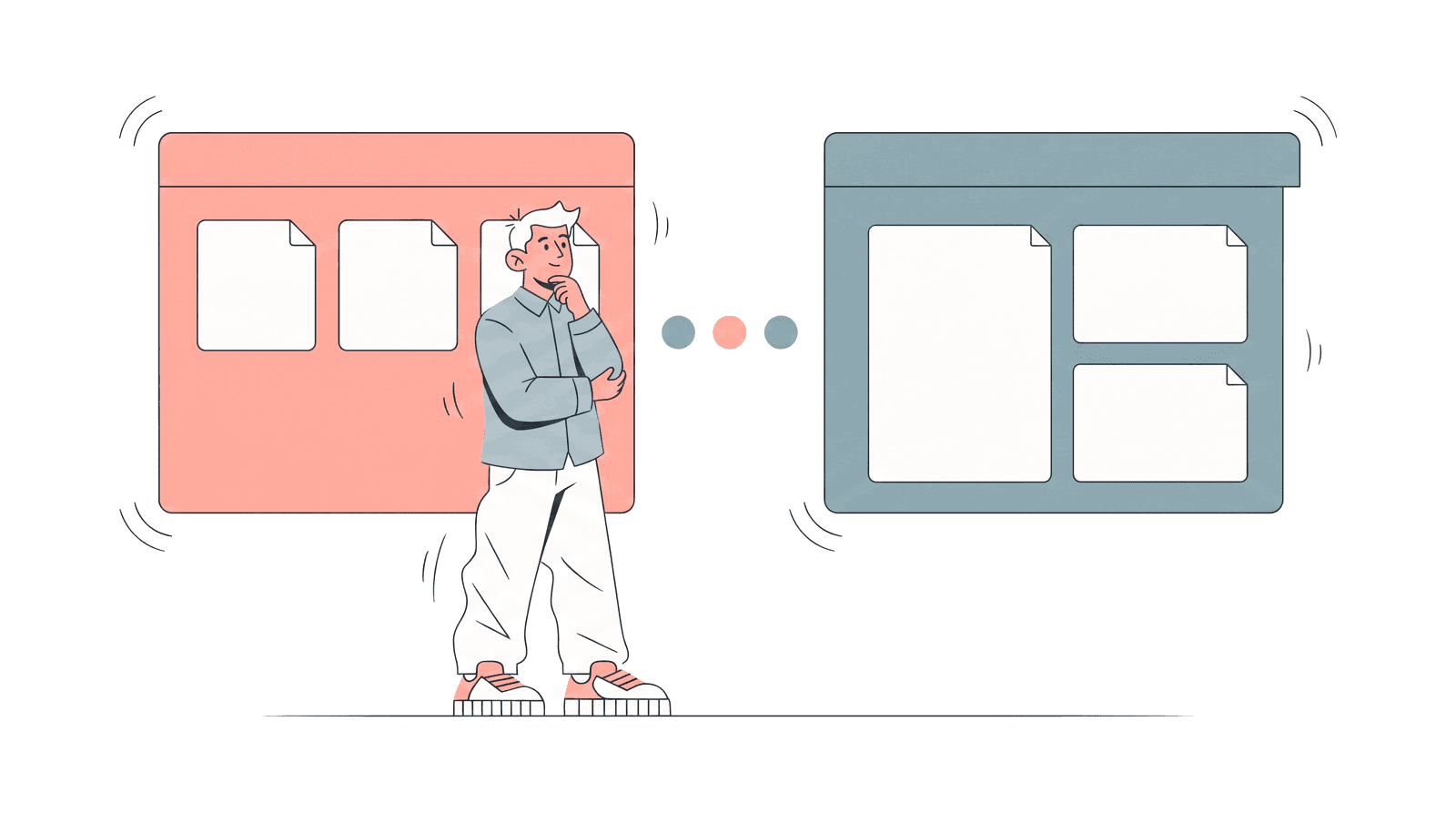
You send a proposal at 3:00 p.m. At 3:02, the link registers a view. That event can mean a buyer opened the document immediately, an email security system inspected the link, or the proposal reached a second stakeholder you did not know was involved.
Telling those situations apart is one job. Proposal software as a category now spans three: build and govern the proposal (templates, reusable content, pricing tables, approvals), collect a decision (negotiation, legally binding e-signature, payment), and measure engagement after send (page-level tracking, stakeholder analytics, a shared workspace for the deal).
No tool is best at all three jobs. The right choice depends on whether the missing layer is creation, signature, or reliable reading data after you press send.
We compared eight tools using public pricing and product documentation. All eight were checked on August 9, 2026. The DocSend, Papermark, and Qwilr entries were re-verified and corrected on August 14, 2026, which is the update date shown at the top of this page. Vendor pricing and packaging change often, so confirm current terms before buying.
Quick recommendations
- HummingDeck: best for teams that create proposals elsewhere and want focused analytics plus documented proactive scanner handling.
- DocSend: best for an established tracked-link workflow with secure sharing, e-signature, and an upgrade path into data rooms.
- PandaDoc: best all-in-one choice for building, tracking, approving, and signing documents.
- Proposify: best for teams that want proposal creation, reusable content, governance, and section-level analytics.
- Qwilr: best for interactive web proposals rather than uploaded files.
- GetAccept: best for teams combining proposals, e-signature, mutual action plans, and digital sales rooms.
- Better Proposals: best lower-cost builder with signatures and tracking.
- Papermark: best free page-level tracking option, with hosted and licensed self-hosting paths.
What proposal software includes
Buyers evaluating this category expect four capabilities. Use them as a checklist against any vendor, including us.
Templates and a proposal editor
PandaDoc, Proposify, Qwilr, GetAccept, and Better Proposals include a native editor with templates and a reusable content library. HummingDeck, DocSend, and Papermark skip creation: you upload a finished file from PowerPoint, Google Slides, Word, Canva, or InDesign and share it as a tracked link.
CRM integration and automation
PandaDoc (Business), Proposify (Team), GetAccept (Professional), and Better Proposals (Premium) connect proposals to CRM records. Qwilr integrates with HubSpot, Zoho, and Pipedrive on Starter and adds Salesforce on Scale. HummingDeck connects Close CRM and Slack on Pro and offers Zapier on every plan. Its HubSpot integration is marked coming soon, so treat it as unavailable when you compare today.
Tracking and engagement analytics
Every tool here reports opens. The differences are recipient identity, time by page or section, return visits, and how automated scanner visits are treated. That last point separates the tools most sharply; see the scanner section below.
Legally binding e-signature and payment
PandaDoc, Proposify, Qwilr, GetAccept, Better Proposals, and DocSend provide legal e-signature, and several add payment collection. HummingDeck's proposal responses capture an accept-or-decline decision but are not a legal e-signature. Papermark sits in between: it documents one-click NDA and agreement signing on its Data Rooms plans, where a viewer signs before reaching any page. That is a signed gate in front of a document set, not the sign-and-pay step of a proposal, and neither Papermark nor HummingDeck builds the proposal itself.
How we evaluated the tools
We compared the first plan that supports the relevant workflow, not just the cheapest advertised price.
- Creation depth: native editor, templates, reusable content library, pricing tables or CPQ, and approval workflow.
- Decision workflow: legally binding e-signature and payment collection.
- Tracking depth: open notifications, recipient identity, time by page or section, return visits, and forwarding signals.
- Scanner handling: whether the vendor publicly explains how automated or datacenter-originated visits are treated.
- Deal expansion: support for several assets, stakeholders, next steps, and conversation.
- Operational fit: CRM integrations, useful-tier price, user minimums, send limits, billing terms, and migration effort.
Disclosure
HummingDeck is our product, so this comparison is not independent. We state its limits, link to each competitor's official pricing or documentation, and recommend testing the same live proposal in at least two products.
Proposal software comparison
Prices are public list prices checked on August 9, 2026, with DocSend re-verified on August 14, 2026. Billing basis is labeled per row because monthly rates can be materially higher than annual.
Eight tools reviewed
1. HummingDeck
Best for: small and mid-market teams that already create proposals in PowerPoint, Google Slides, Word, Canva, or another authoring tool.
HummingDeck turns a finished file into a tracked proposal link. Free includes five documents, real-time notifications, and one room, but not page-level analytics. Starter is $10 per month flat for one user and adds page, click, and location analytics with 30-day retention. Pro is $25 per user and adds proposal responses, stakeholder mapping, room Discussions, Restricted sharing, Close CRM, and Slack. Zapier is on every plan, and a HubSpot integration is marked coming soon rather than shipped. Proposal responses are decision capture, not legal e-signatures.
HummingDeck publicly documents a proactive scanner workflow: known bot user agents are rejected, hosting or datacenter traffic is flagged, and a delayed gesture check can promote a real person who was initially classified as automated. No classifier is perfect, so use the signal as a stronger filter rather than a guarantee that every recorded view is human.
It does not build proposals, calculate quotes, or sign contracts. Choose it when the creation workflow already works and the missing layer is proposal tracking and deal coordination.
2. DocSend
Best for: teams that want a mature tracked-document workflow with secure sharing and data-room upgrades.
DocSend provides real-time notifications, individual and aggregate visits, forwarding signals, and per-page analytics for common formats. On its current US pricing page, Personal is $10 per user per month with annual billing or $15 monthly. Standard, the tier that carries unlimited e-signature, is $45 per user per month annually or $65 monthly. Advanced is $150 per month annually or $250 monthly, includes three users, and adds lightweight Spaces, NDA gates, granular security, and dynamic watermarking. Advanced Data Rooms is $180 per month annually or $300 monthly and adds group permissions, audit logs, and automatic indexing. The pricing page opens on the annual view, so check which billing basis a quoted figure refers to before budgeting.
For automated traffic, DocSend flags visits from datacenters as atypical. Its help center says those visits can come from email security scanners, screen-grabbing software, or VPNs and displays them in Recent Activity. That is useful visibility, but buyers should test how atypical events affect their own reports and notifications.
DocSend does not build proposals. Choose it when controlled document delivery matters more than authoring.
3. PandaDoc
Best for: teams that want one platform from document creation through signature and storage.
PandaDoc combines an editor, templates, approvals, legal e-signatures, pricing tables, payments, and tracking. Its Free plan includes 60 documents per year, five e-signatures per month, and real-time notifications. Starter is $19 per seat per month with annual billing. Business is the relevant analytics tier at $49 per seat per month with annual billing, adding recipient analytics, CRM integrations, branding, approvals, pricing tables, and up to three deal rooms.
PandaDoc is the strongest fit here when the proposal is assembled inside the platform and must move through review, negotiation, and signature. It is broader than necessary if the team only wants to track an existing PDF. We did not find public documentation describing scanner-specific classification during this review, so test a corporate-inbox send before using the first event as a follow-up trigger.
4. Proposify
Best for: sales teams and agencies that need proposal templates, reusable content, interactive quotes, and process control.
Proposify is proposal-first. Basic costs $19 per user per month with annual billing, with e-signatures, tracking, and ten included sends per month. Team costs $41 per user per month with annual billing, includes thirty sends per month, and adds recipient timelines, time by section, integrations, automations, and custom fields. Business starts at $3,900 per year and adds roles, SSO, API access, and multiple workspaces. Overage charges apply beyond each plan's send allowance, so model volume alongside seat cost.
Choose Proposify when building and governing proposals is the main job. If the proposal already exists and the only missing layer is engagement data, a focused tracker requires less setup and lower spend.
5. Qwilr
Best for: teams that want proposals to behave like interactive web pages.
Qwilr replaces the static PDF with responsive pages containing video, interactive quotes, payments, and e-signature. Starter is $35 per user per month with annual billing or $49 monthly and includes analytics with 60-day history plus HubSpot, Zoho, and Pipedrive integrations. Growth is $55 per user per month with annual billing and a five-user minimum, adding branding, automation, and enhanced reporting with 120-day analytics history. Scale is $75 per user per month with annual billing and a ten-user minimum, adding Salesforce, team permissions, and unlimited analytics history.
Qwilr is unusually candid about automated traffic. Its analytics documentation states that automated systems or bots, such as preview services used by Microsoft or Outlook and antivirus scanners, can produce views and view notifications without a human opening the page. Qwilr does not support IP address blocklisting and does not filter those views out of your analytics. Its suggested workaround is to place the Qwilr URL behind a linked button or phrase rather than pasting the raw URL, which avoids many automatic previews.
Qwilr is a strong choice when the proposal experience itself needs to stand out. The tradeoff is format and workflow: teams that need a conventional file for internal circulation or procurement may still require PDF export and a separate document trail.
6. GetAccept
Best for: sales teams that want proposals, signatures, stakeholder engagement, and rooms in one product.
GetAccept's eSign plan is $25 per user per month and includes unlimited signatures, an editor, contract management, reminders, chat, and templates. Professional is the tracking and room tier at $49 per user with a five-user minimum and annual payment. It adds the full editor, mutual action plans, contextual comments, pricing tables, CRM integrations, document insights, and digital sales rooms. Enterprise adds CPQ and broader administration.
This makes GetAccept a better fit than a focused tracker when the team wants to replace several steps of the commercial document process. The public minimum puts Professional at about $245 per month before add-ons, so smaller teams should compare that full commitment with the value of consolidating their proposal, signature, and room tools.
7. Better Proposals
Best for: freelancers, agencies, and small teams that need a proposal builder and legal signature at a lower entry price.
Better Proposals starts at $13 per user per month annually with ten documents per month. Starter includes its editor, content library, interactive pricing, payments, legal signatures, open tracking, notifications, and analytics. Premium is $21 with fifty documents per month and adds a custom domain, CRM integrations, API and Zapier, and automatic expiry. Enterprise is $42 with unlimited documents and adds content locking, inline comments, approvals, and advanced permissions. It offers a 14-day trial, not a permanent free tier.
Better Proposals offers a practical creation-to-signature workflow without PandaDoc's or GetAccept's broader platform scope. Teams that need deeper stakeholder analytics or multi-asset deal coordination should test those capabilities before deciding on price alone.
8. Papermark
Best for: teams that want generous free page-level analytics or need a path toward self-hosted document infrastructure.
Papermark's Free plan includes one member, 50 documents, 50 links, unlimited visitors, and page analytics. Pro is €24 per month and raises the limits to 100 documents with custom branding. Business is €59 with three members, 1,000 documents, a custom domain, screenshot protection, and API tools. Data Rooms is €99 and adds NDA gates, dynamic watermarks, granular file permissions, and room analytics, with larger data-room tiers above it. Those figures use annual billing; monthly billing is higher.
Its self-hosting guide says personal, non-commercial use is free, while team or company use requires a commercial license starting at $500 per month.
Papermark does not build proposals, but it is no longer accurate to say it has no signing at all. Its one-click NDA feature, included with Data Rooms plans, lets you drop signature, name, and date fields onto an agreement that a viewer signs before reaching any page, and it keeps identity, timestamp, and a signed PDF in an audit trail. Read that as a signed access gate for a document set rather than the negotiate-sign-and-pay workflow a proposal builder provides.
How proposal tracking software handles email scanners
An early proposal event is not automatically a buying signal. Corporate security products inspect URLs to protect recipients. Microsoft documents that Safe Links scans URLs in email, Teams, and supported Office apps. Depending on the system and tracking implementation, automated access can resemble a visit.
The useful vendor question is not "does it detect bots?" It is: what happens to scanner-originated traffic in the activity feed, view count, alerts, and reports?
| Tool | What public documentation established in this review |
|---|---|
| HummingDeck | Proactive multi-layer handling using user-agent patterns, hosting or datacenter checks, and gesture confirmation for initially flagged sessions |
| DocSend | Datacenter-originated visits are flagged as atypical in Recent Activity |
| Qwilr | Documents that preview services and antivirus scanners can trigger views and notifications. IP blocklisting is not supported and those views are not filtered out. The suggested workaround is to hide the URL behind a linked button or phrase |
| PandaDoc, Proposify, GetAccept, Better Proposals, Papermark | Scanner-specific handling was not found in the public pricing and product documentation reviewed on August 9, 2026 |
"Not publicly documented" does not prove a tool has no internal controls. Send a real link to a Microsoft 365 or similarly protected corporate inbox, then compare the first event with a deliberate human open. Our deeper guide explains why document analytics can be wrong and which patterns deserve scrutiny.
When a proposal should become a room
A tracked proposal is enough when there is one main file, one decision, and a short review cycle. Adding a room too early creates work without helping the buyer.
Move to a room when the deal needs several assets, several stakeholders, or visible next steps. A practical room might contain the proposal, security material, implementation plan, customer proof, and a mutual action plan. Contextual Discussions keep questions attached to the relevant task or asset. Restricted sharing can require verified access from named emails or approved company domains when the content becomes sensitive.
HummingDeck includes one room and a MAP on Free. Discussions and Restricted sharing require Pro. It remains a lightweight deal workspace, not a formal virtual data room: it does not offer per-file audience permissions, dynamic watermarking, NDA records, structured diligence Q&A, or formal audit exports.
Compare the broader category in our digital sales room software comparison. Keep proposal tracking as the center of the workflow until deal complexity justifies the move.
Which tool fits your workflow
You already have the proposal and want to see what happens after send: start with HummingDeck, DocSend, or Papermark. HummingDeck favors focused tracking and SMB room workflows, DocSend adds mature secure-sharing controls, and Papermark has the strongest free page-level allowance.
You need to create, price, and legally sign the proposal: shortlist PandaDoc, Proposify, Qwilr, or Better Proposals. HummingDeck is the wrong choice here: it does not author documents or produce a legal signature. Choose by document format, template governance, CRM needs, and the useful-tier seat cost.
You want the proposal to become a multi-stakeholder workspace: compare GetAccept with direct digital sales room products. GetAccept makes sense when native proposal creation and signature are part of the same purchase.
Whichever category wins, run one real proposal through two trials. Check the buyer experience on mobile, forward the link, send it to a protected corporate inbox, and compare the seller alerts with the actual human activity.
Frequently asked questions
What is proposal software?
Proposal software covers three jobs: building the proposal from templates and reusable content, collecting a decision or legally binding signature, and tracking buyer engagement after send. Most tools specialize in one or two of those jobs.
What is proposal tracking software?
Proposal tracking software shares a proposal as a browser link and records opens, recipients, time by page or section, and return visits.
Can you track if someone opened a PDF proposal?
Upload the PDF to a tracking platform and share its browser link. An ordinary email attachment cannot provide reliable page-level reading data.
What is the best proposal software?
PandaDoc, Proposify, Qwilr, and Better Proposals lead for creation and legal e-signature. HummingDeck and DocSend fit proposals created elsewhere, GetAccept adds rooms, and Papermark offers free page analytics.
Do email security scanners affect proposal tracking?
Automated security systems can inspect links before a buyer reads the proposal. Check how each vendor identifies, filters, or flags that activity.
Is PandaDoc free?
PandaDoc Free includes 60 documents per year, real-time tracking, and five e-signatures per month. Recipient analytics and deal rooms start on Business at $49 per seat per month with annual billing.
What is the difference between proposal tracking and a digital sales room?
Proposal tracking measures one proposal. A digital sales room coordinates multiple assets, stakeholders, next steps, and buyer-seller conversation.
How much does proposal software cost?
Public entry points here range from free to $49 per user per month, before enterprise tiers and minimum seats. Compare the first plan with the workflow you need.
Track the decision, not just the send
The useful moment is not the first pixel or page load. It is the pattern that follows: a buyer reads the commercial section, returns later, shares the proposal internally, or asks a question with enough context to move the deal forward.
Start with the lightest tool that makes that pattern visible. Add proposal creation, signature, or a room only when the deal requires it.
Related:
- How to see who viewed your proposal: understand the signals a tracked proposal can reveal.
- How to know if someone read your proposal: separate a simple open from meaningful reading behavior.
- Proposal tracking vs proposal management: decide whether you need analytics or the full creation workflow.
- Best digital sales room software: compare platforms for multi-asset, multi-stakeholder deals.
- Why your deck analytics are wrong: inspect the email-scanner problem in more detail.
- Best DocSend alternatives: compare focused tracked-link and secure-sharing options.
- Best Better Proposals alternatives: compare builder-first options when creation is the priority.